Movavi Video Editor 26.24.1 (x64) Multilingual [pac]
About Movavi Video Editor 26.24.1 (x64) Multilingual [pac]
Overview
Movavi Video Editor is a friendly video editing software designed to create professional-looking videos with an easy-to-use interface. It is suitable for YouTubers, students, teachers, marketers, and anyone who wants to edit videos without advanced technical skills. Main Features 1. Video Editing Trim, cut, and split video clips. Merge multiple videos into one. Rotate and crop videos. Adjust playback speed. Reverse video clips. 2. Audio Editing Add background music. Record voiceovers. Remove unw
Features
1
System Requirements
Microsoft Windows 10/11 64-bit https://www
Frequently Asked Questions
How do I download Movavi Video Editor 26.24.1 (x64) Multilingual [pac]?
Click the magnet or torrent download button on this page to start downloading Movavi Video Editor 26.24.1 (x64) Multilingual [pac]. A BitTorrent client is required.
What is the file size of Movavi Video Editor 26.24.1 (x64) Multilingual [pac]?
The total size of Movavi Video Editor 26.24.1 (x64) Multilingual [pac] is 134.2 MB.
How many seeders are available for Movavi Video Editor 26.24.1 (x64) Multilingual [pac]?
Movavi Video Editor 26.24.1 (x64) Multilingual [pac] currently has 21971 seeders, which affects download speed.
What category is Movavi Video Editor 26.24.1 (x64) Multilingual [pac] in?
Movavi Video Editor 26.24.1 (x64) Multilingual [pac] is listed under Applications on 1337x.
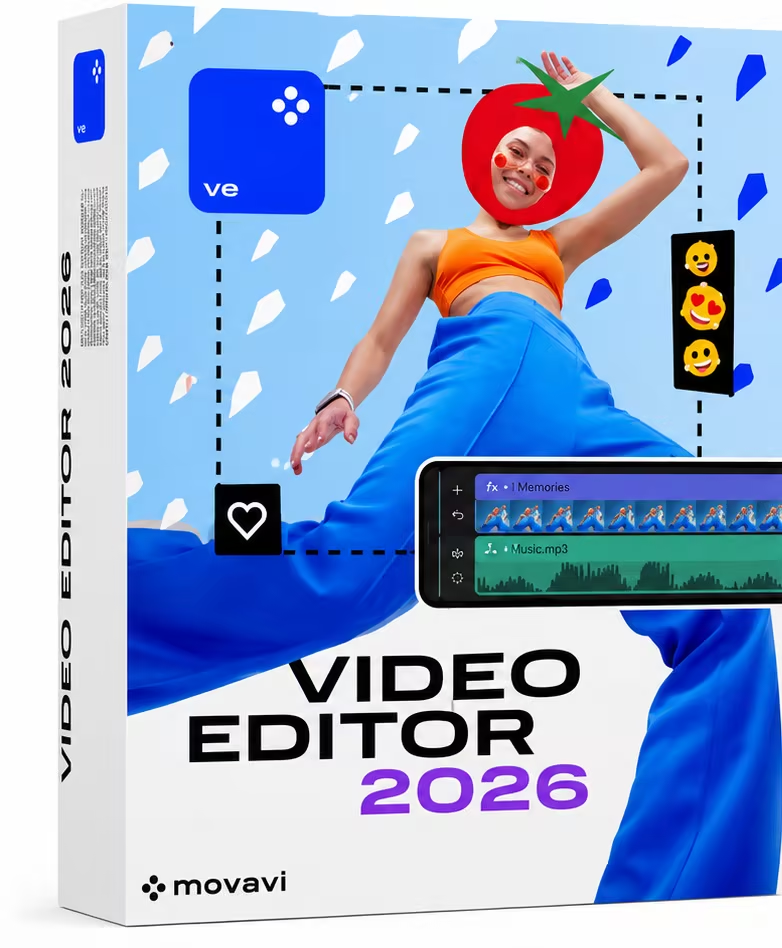
Movavi Video Editor is a friendly video editing software designed to create professional-looking videos with an easy-to-use interface. It is suitable for YouTubers, students, teachers, marketers, and anyone who wants to edit videos without advanced technical skills.
Main Features
1. Video Editing
Trim, cut, and split video clips.
Merge multiple videos into one.
Rotate and crop videos.
Adjust playback speed.
Reverse video clips.
2. Audio Editing
Add background music.
Record voiceovers.
Remove unwanted noise.
Synchronize audio with video.
Adjust volume and apply fade-in/fade-out effects.
3. Visual Effects
Hundreds of filters and transitions.
Motion tracking.
Chroma Key (Green Screen).
Picture-in-Picture (PiP).
Animated stickers and overlays.
4. Text and Titles
Add animated titles.
Create subtitles.
Customize fonts, colors, and animations.
5. AI Tools
AI Background Removal.
AI Noise Reduction.
AI Motion Tracking.
AI Upscaling (in supported versions).
6. Color Correction
Brightness adjustment.
Contrast enhancement.
Saturation control.
White balance correction.
LUT support.
7. Export Options
Export videos in
MP4
AVI
MOV
MKV
WMV
Upload directly to YouTube.
Advantages
Simple interface.
Fast rendering.
Large collection of effects.
Ideal for beginners.
Supports 4K videos.
Whats New
System Requirements
Microsoft Windows 10/11 64-bit
https://www.virustotal.com/gui/file/4c5c02c2af4a05a43a8fbdf65b23cafe49753dcb34b59b0fbf99dcfa9cb7a4d6