Ashampoo Snap 26.0.5 Multilingual-[Waseem]
About Ashampoo Snap 26.0.5 Multilingual-[Waseem]
Overview
With Ashampoo Snap 14, capturing screenshots or videos almost feels like magic! Anything you see on your screen is faithfully captured along with numerous smart settings. The built-in editor takes care of post-processing and file management. But Snap also gives you multiple tools to make your screenshots more meaningful: Auto-numbering, comments, shapes, cliparts and other items help you tell your story visually and in style! Whether you’re working from home, quickly need to explain a procedure
Features
For up to 3 devices Fully Windows 11 compatible Brand-new image editor Simplicity meets power: new user interface Excellent video quality up to 4K Enhanced audio quality with higher bitrates Toggleable toolbar labels Completely revised recording area Multi-purpose capture tool for rectangular areas, entire and scrollable websites Animated, well-arranged user interface Modern newly-designed editor Important options directly in the recording area New well-laid-out settings dialog https://www
Frequently Asked Questions
How do I download Ashampoo Snap 26.0.5 Multilingual-[Waseem]?
Click the magnet or torrent download button on this page to start downloading Ashampoo Snap 26.0.5 Multilingual-[Waseem]. A BitTorrent client is required.
What is the file size of Ashampoo Snap 26.0.5 Multilingual-[Waseem]?
The total size of Ashampoo Snap 26.0.5 Multilingual-[Waseem] is 257.8 MB.
How many seeders are available for Ashampoo Snap 26.0.5 Multilingual-[Waseem]?
Ashampoo Snap 26.0.5 Multilingual-[Waseem] currently has 29279 seeders, which affects download speed.
What category is Ashampoo Snap 26.0.5 Multilingual-[Waseem] in?
Ashampoo Snap 26.0.5 Multilingual-[Waseem] is listed under Applications on 1337x.
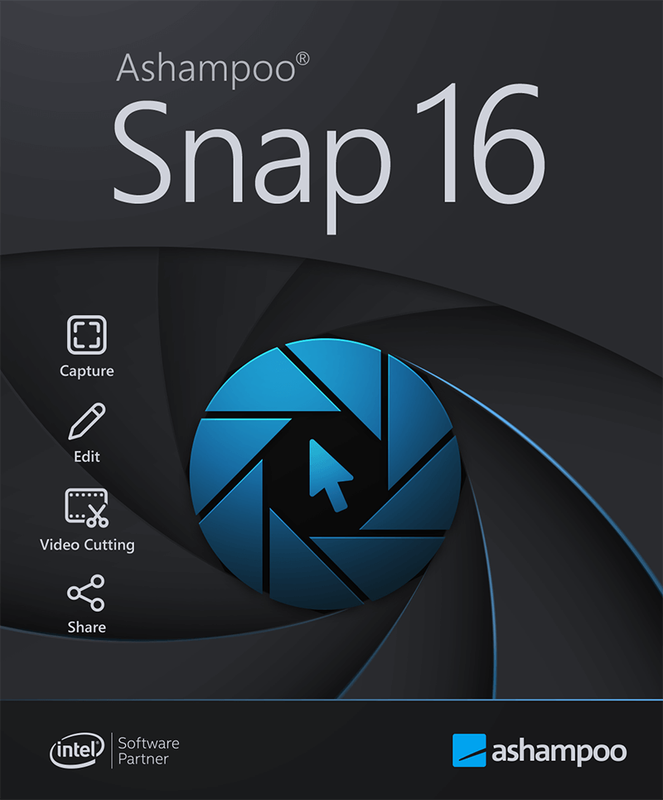
With Ashampoo Snap 14, capturing screenshots or videos almost feels like magic! Anything you see on your screen is faithfully captured along with numerous smart settings. The built-in editor takes care of post-processing and file management. But Snap also gives you multiple tools to make your screenshots more meaningful: Auto-numbering, comments, shapes, cliparts and other items help you tell your story visually and in style! Whether you’re working from home, quickly need to explain a procedure or plan to create an entire tutorial, Snap 14 has got the tools you need!
Key Features :
For up to 3 devices
Fully Windows 11 compatible
Brand-new image editor
Simplicity meets power: new user interface
Excellent video quality up to 4K
Enhanced audio quality with higher bitrates
Toggleable toolbar labels
Completely revised recording area
Multi-purpose capture tool for rectangular areas, entire and scrollable websites
Animated, well-arranged user interface
Modern newly-designed editor
Important options directly in the recording area
New well-laid-out settings dialog
https://www.virustotal.com/gui/file/978732e84b340bf7e380b88b2d21c4e01a44ecad741d2ac2d0778d6f582c031a