SmartFTP Enterprise 10.0.3300 (x64) Multilingual
About SmartFTP Enterprise 10.0.3300 (x64) Multilingual
Overview
SmartFTP Enterprise 10.0.3300 (x64) Multilingual SmartFTP is a powerful and professional file transfer client that supports multiple protocols including FTP, FTPS, SFTP, WebDAV, Amazon S3, Backblaze B2, Google Drive, OneDrive, SSH, and Terminal connections. It allows secure, reliable, and efficient file transfers between your local computer and remote servers. SmartFTP Can Be Used For: Website publishing and maintenance Uploading and downloading images, documents, videos, and music files Managed
Features
Modern graphical user interface with High DPI support File and folder synchronization Multi-language support (20+ languages) Thumbnails view and file preview Visual file comparison Advanced scheduling and transfer queue IPv6 support On-the-fly compression (MODE Z) UTF-8 and International Domain Names (IDN) support Auto reconnect and resume broken transfers Verified transfers (XCRC, XMD5, XSHA) FXP server-to-server transfers Bulk rename and remote file editing Unlimited simultaneous transfer threads Proxy & firewall support (SOCKS, HTTP, etc
Frequently Asked Questions
How do I download SmartFTP Enterprise 10.0.3300 (x64) Multilingual?
Click the magnet or torrent download button on this page to start downloading SmartFTP Enterprise 10.0.3300 (x64) Multilingual. A BitTorrent client is required.
What is the file size of SmartFTP Enterprise 10.0.3300 (x64) Multilingual?
The total size of SmartFTP Enterprise 10.0.3300 (x64) Multilingual is 19.1 MB.
How many seeders are available for SmartFTP Enterprise 10.0.3300 (x64) Multilingual?
SmartFTP Enterprise 10.0.3300 (x64) Multilingual currently has 29848 seeders, which affects download speed.
What category is SmartFTP Enterprise 10.0.3300 (x64) Multilingual in?
SmartFTP Enterprise 10.0.3300 (x64) Multilingual is listed under Applications on 1337x.
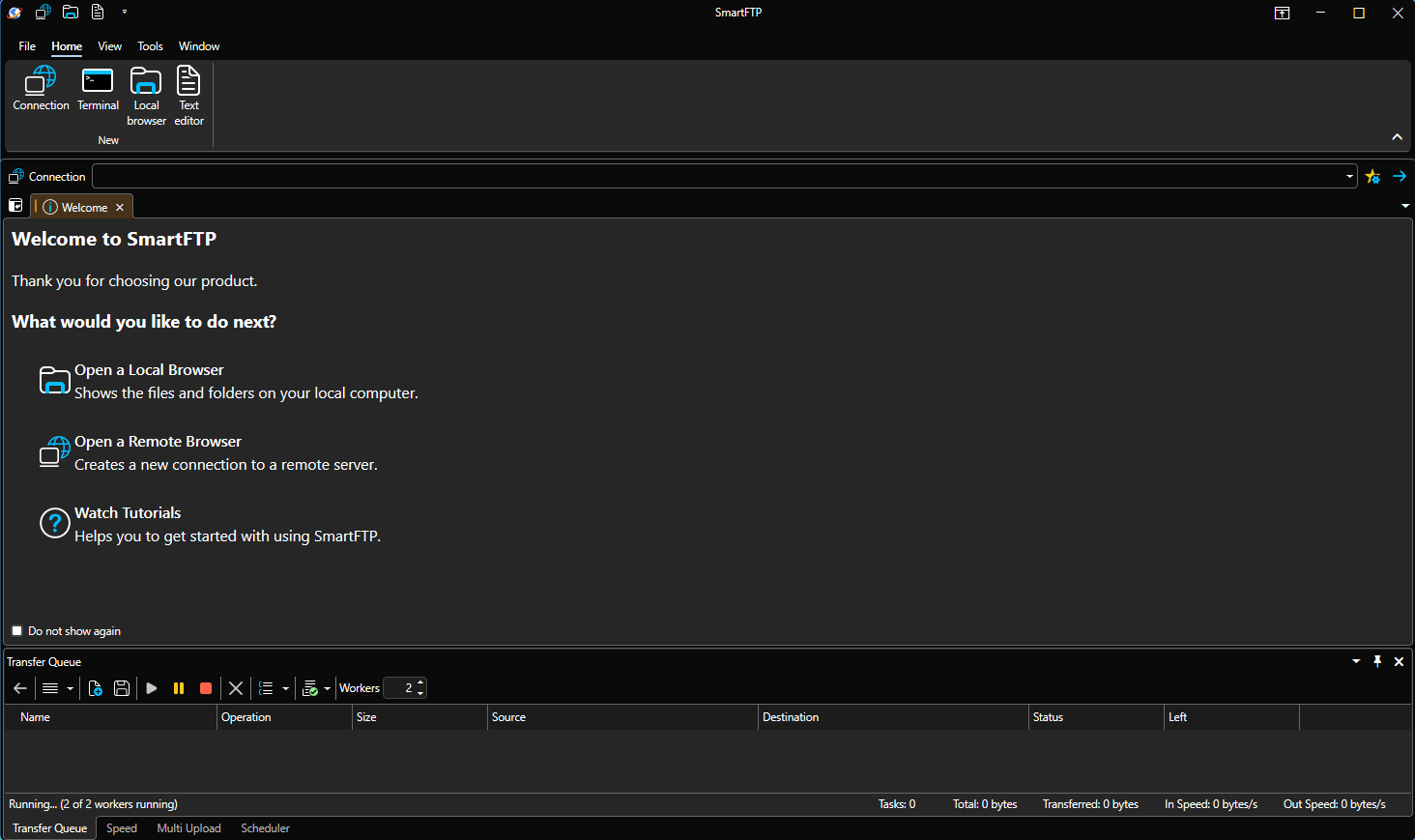
SmartFTP Enterprise 10.0.3300 (x64) Multilingual
SmartFTP is a powerful and professional file transfer client that supports multiple
protocols including FTP, FTPS, SFTP, WebDAV, Amazon S3, Backblaze B2, Google Drive,
OneDrive, SSH, and Terminal connections. It allows secure, reliable, and efficient file
transfers between your local computer and remote servers.
SmartFTP Can Be Used For:
- Website publishing and maintenance
- Uploading and downloading images, documents, videos, and music files
- Managed and automated file transfers
- Backup and synchronization of local and remote files
Supported Protocols:
- FTP / FTPS (Secure FTP)
- SFTP over SSH
- WebDAV
- Amazon S3 (Enterprise Edition)
- Google Cloud Storage (Enterprise Edition)
- Backblaze B2 Cloud Storage (Enterprise Edition)
- Microsoft OneDrive (Ultimate Edition)
Key Features:
- Modern graphical user interface with High DPI support
- File and folder synchronization
- Multi-language support (20+ languages)
- Thumbnails view and file preview
- Visual file comparison
- Advanced scheduling and transfer queue
- IPv6 support
- On-the-fly compression (MODE Z)
- UTF-8 and International Domain Names (IDN) support
- Auto reconnect and resume broken transfers
- Verified transfers (XCRC, XMD5, XSHA)
- FXP server-to-server transfers
- Bulk rename and remote file editing
- Unlimited simultaneous transfer threads
- Proxy & firewall support (SOCKS, HTTP, etc.)
Security & Compliance:
- HIPAA 5010 compliant
- FIPS 140-2 and 186-4 compliant
- Secure credential storage (KeePass, LastPass, 1Password support)
SmartFTP is a feature-rich and reliable solution for professionals who need advanced
file transfer capabilities, automation, and enterprise-level security.
VirusTotal Scan:
Scan Result #1
Scan Result #2
Scan Result #3
Secure, fast, and professional file transfers for enterprise environments.