AOMEI Backupper Technician Plus v8.0 Pre-Activated + WinPE - [hax...
About AOMEI Backupper Technician Plus v8.0 Pre-Activated + WinPE - [hax...
Overview
AOMEI Backupper Overview AOMEI Backupper is a professional-like, easy-to-use backup and recovery software. But is free for home users and commercial use, fully protects your computer from data loss. It lets you securely backup PC and Server, provides one-click backup your system partition or disk and does it in minutes. This software also can explore the created image and restore it to the hard drive if your data gets lost or corrupted. In addition, you can create a bootable rescue disk for reco
Features
to ensure the safety of your data
Frequently Asked Questions
How do I download AOMEI Backupper Technician Plus v8.0 Pre-Activated + WinPE - [hax...?
Click the magnet or torrent download button on this page to start downloading AOMEI Backupper Technician Plus v8.0 Pre-Activated + WinPE - [hax.... A BitTorrent client is required.
What is the file size of AOMEI Backupper Technician Plus v8.0 Pre-Activated + WinPE - [hax...?
The total size of AOMEI Backupper Technician Plus v8.0 Pre-Activated + WinPE - [hax... is 912.2 MB.
How many seeders are available for AOMEI Backupper Technician Plus v8.0 Pre-Activated + WinPE - [hax...?
AOMEI Backupper Technician Plus v8.0 Pre-Activated + WinPE - [hax... currently has 32 seeders, which affects download speed.
What category is AOMEI Backupper Technician Plus v8.0 Pre-Activated + WinPE - [hax... in?
AOMEI Backupper Technician Plus v8.0 Pre-Activated + WinPE - [hax... is listed under Applications on 1337x.

AOMEI Backupper Overview
AOMEI Backupper is a professional-like, easy-to-use backup and recovery software. But is free for home users and commercial use, fully protects your computer from data loss. It lets you securely backup PC and Server, provides one-click backup your system partition or disk and does it in minutes. This software also can explore the created image and restore it to the hard drive if your data gets lost or corrupted. In addition, you can create a bootable rescue disk for recovering your data when the system crashes and the application cannot be accessed from the Windows interface.
AOMEI Backupper lets you clone the partition or disk, too. The software already supports the Microsoft Volume Shadow Copy Service (VSS) that enables the data backup process and does not interfere the running applications. This option of AOMEI Backupper is very efficient because backup data can still be made when you’re working.
To prevent data loss, so we need to make data backup, AOMEI Backupper with the following features to ensure the safety of your data.
Key Features of AOMEI Backupper
Incremental and differential backups. Based on a full backup, the software supports to create incremental or differential backups to taking less time and save storage space.
Encryption and Compression. You can set a password for each backups to prevent unauthorized access. When the backup process, specify an industry leading compression algorithm to compress image file in order to take up less disk space.
Image file checker and explorer. Check data integrity of image file to ensure the backups can be restored successfully. Mount image files to a virtual partition so that you can browse the contents of the backups in Windows Explorer.
Comment Backups and Splitting Backups. Add comments to backups so that the backups can be further identified and clarified. Let you know what a backup is for or what it contains. Splitting Backups can split backup an image file into proper sizes to fit storage media.
Create Bootable Rescue Media. You can create a bootable media (e.g. CD or USB media) to restore system drive on the condition that Windows can not boot.
VirusTotal:
Setup:
https://www.virustotal.com/gui/file/ebc55de1b050446f6f8ef9cfb9ebd6af2fca1c94e2b2a3b6a8d5e818be9ff1d5/detection
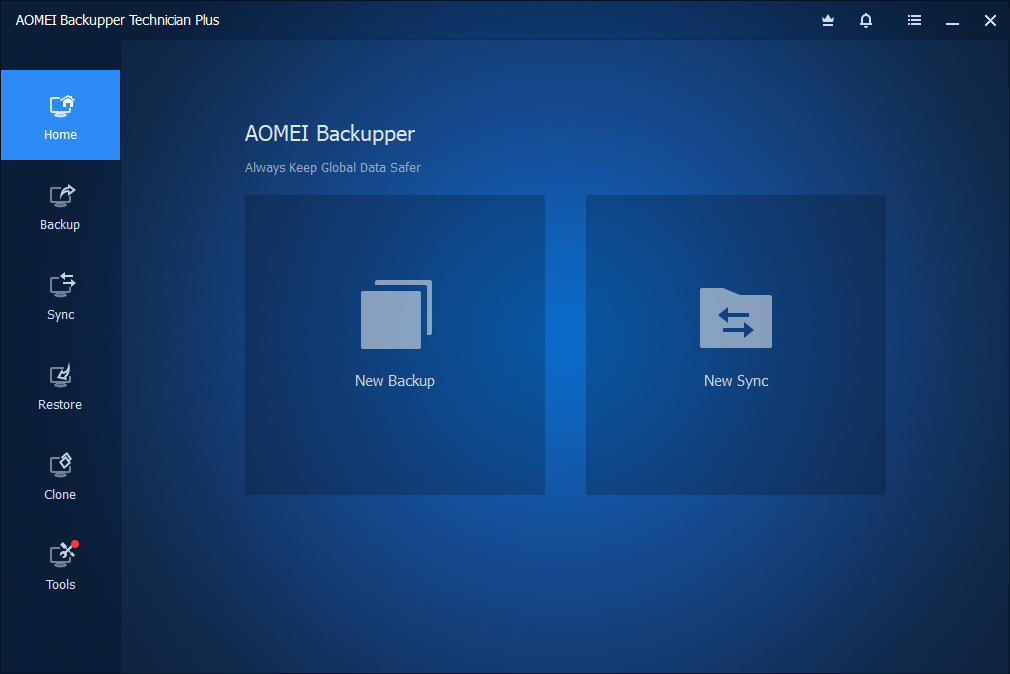
AOMEI Backupper Screenshots