Linux Command Reference Shell Commands by Michael Kofler
About Linux Command Reference Shell Commands by Michael Kofler
Overview
Format: .pdf Size: 3.85 MB Year: 2025 Linux users, your go-to desktop reference is here! Find practical commands for the Linux tasks you perform, from managing files to working with graphics systems to programming with Bash. Commands are grouped by topic and listed alphabetically to help you quickly find what you’re looking for, and options are listed for each entry to help you modify your commands. With detailed descriptions and practical examples, this guide doesn’t just tell you which command
Frequently Asked Questions
How do I download Linux Command Reference Shell Commands by Michael Kofler?
Click the magnet or torrent download button on this page to start downloading Linux Command Reference Shell Commands by Michael Kofler. A BitTorrent client is required.
What is the file size of Linux Command Reference Shell Commands by Michael Kofler?
The total size of Linux Command Reference Shell Commands by Michael Kofler is 3.9 MB.
How many seeders are available for Linux Command Reference Shell Commands by Michael Kofler?
Linux Command Reference Shell Commands by Michael Kofler currently has 18 seeders, which affects download speed.
What category is Linux Command Reference Shell Commands by Michael Kofler in?
Linux Command Reference Shell Commands by Michael Kofler is listed under Other on 1337x.
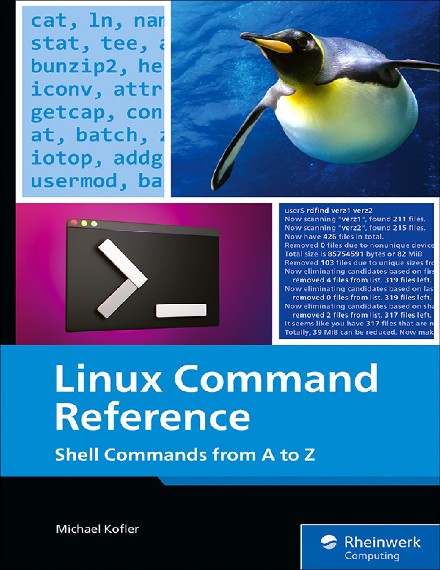
Format: .pdf
Size: 3.85 MB
Year: 2025
Linux users, your go-to desktop reference is here! Find practical commands for the Linux tasks you perform, from managing files to working with graphics systems to programming with Bash. Commands are grouped by topic and listed alphabetically to help you quickly find what you’re looking for, and options are listed for each entry to help you modify your commands. With detailed descriptions and practical examples, this guide doesn’t just tell you which commands to use—it shows you how to use them, too! Sometimes, you’re looking for a command for a specific task, but don't know its name or have just forgotten it. The thematically organized table of contents is intended for these cases. Go beyond the basics to understand the why and how of each command. Learn about distribution-specific features, commonly used shell tools, and typical use cases. Discover alternative options you can use to modify and enhance commands.